Any item on any hero
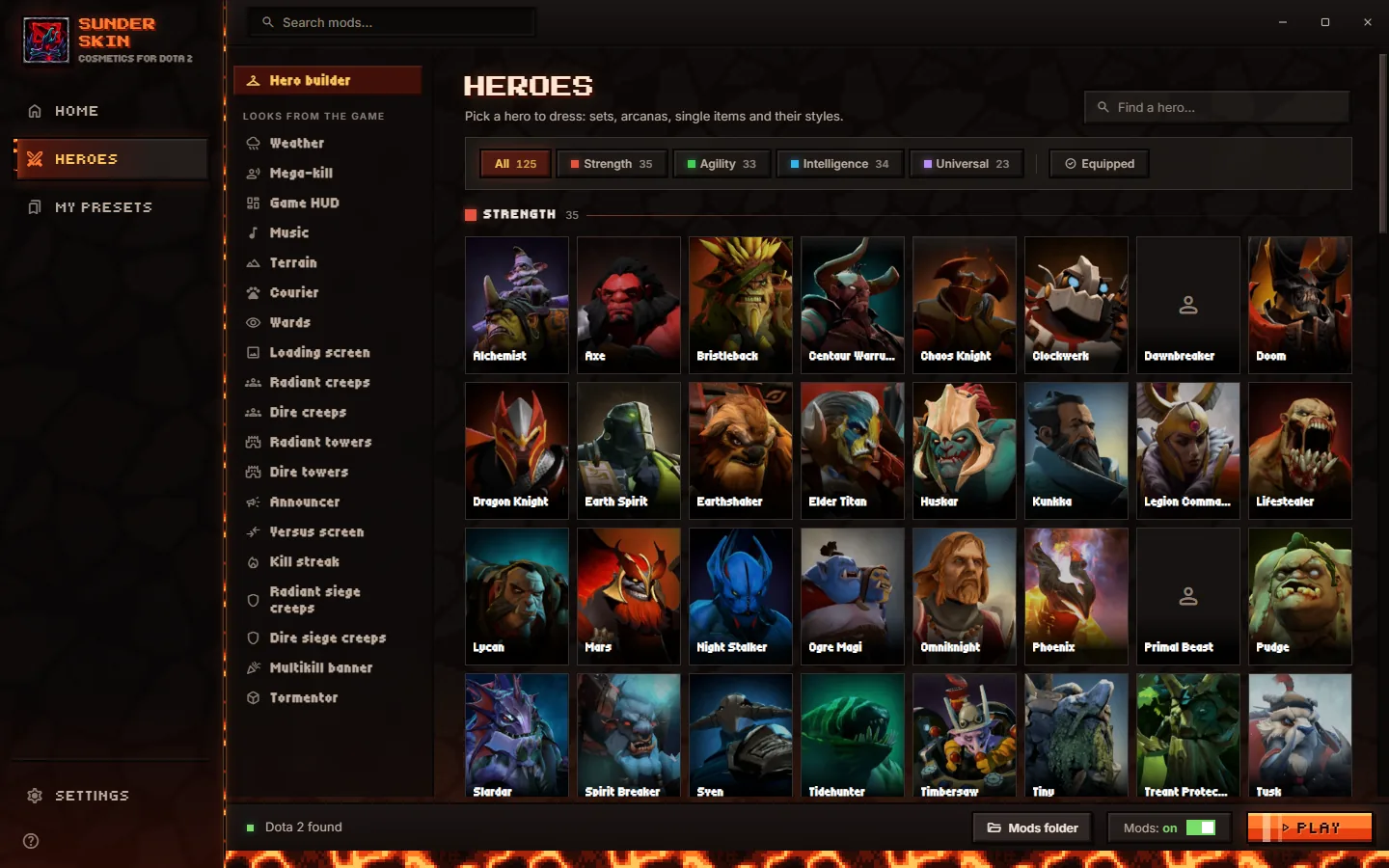
Sets, single items and their styles, slot by slot, from the items in your own game.
 Your hero. Your look.
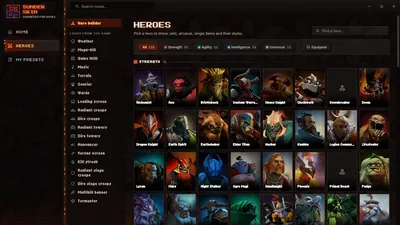
Every hero in Dota 2 in the sets, arcanas and personas you pick, on your screen only. Sunder Skin builds the skins out of your own game and adds one file to Dota's language folder. Valve's files are never edited.
Free. Open source. Made for Dota players.


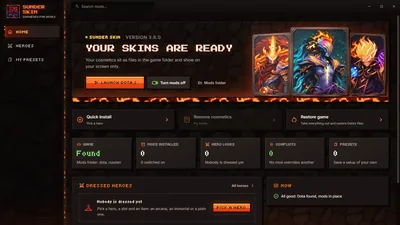
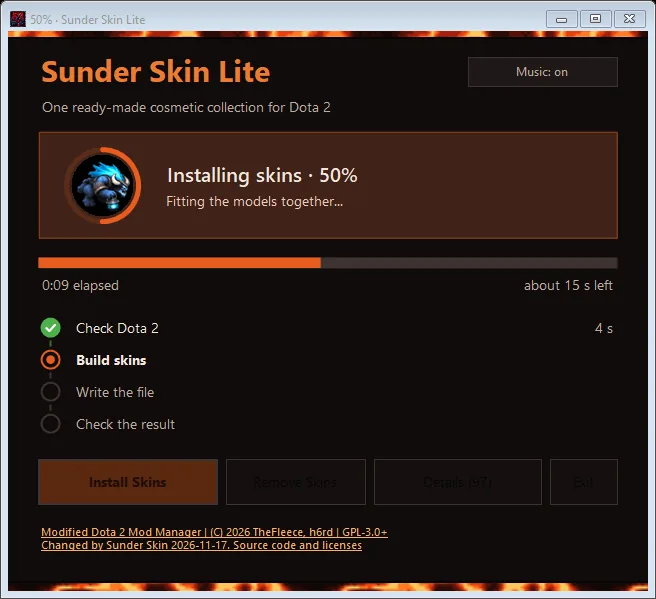
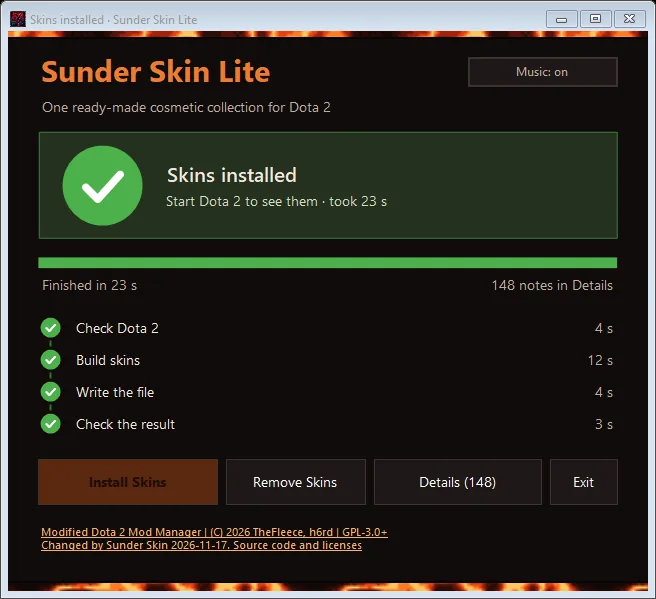
The one-click installer. It puts the whole collection on every hero, shows how far it is, and says clearly when it is done. Remove takes it all back out.
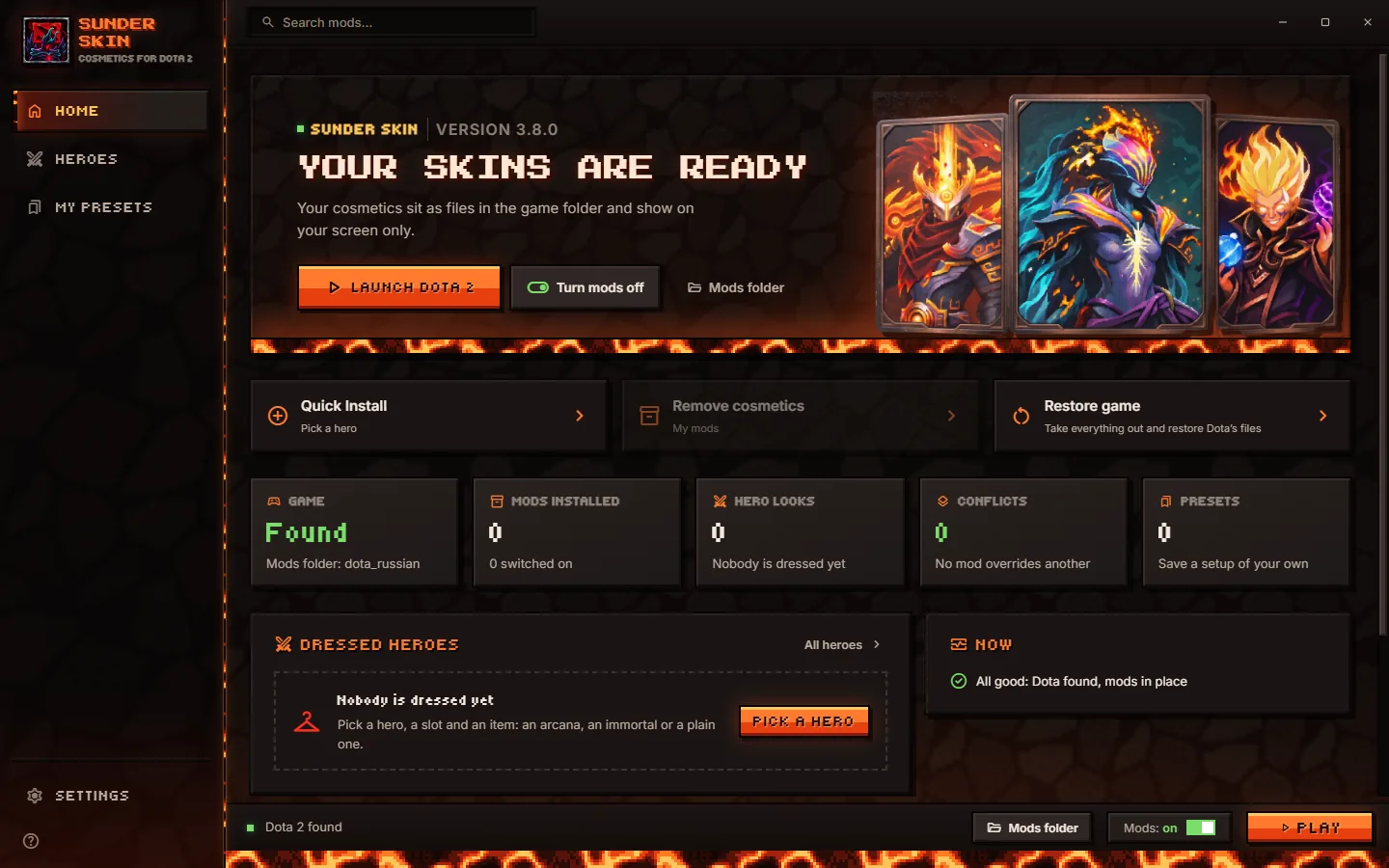
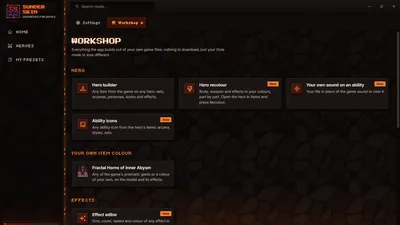
Sunder Skin Full is the whole workshop. Lite installs the collection made in it.
Sets, single items and their styles, slot by slot, from the items in your own game.
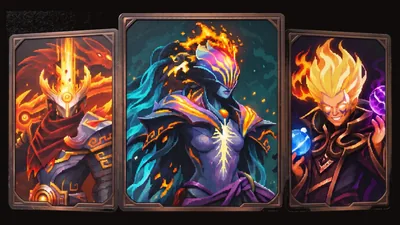
Arcana bodies, motions and effects done as files, with hand-fixed bases where Valve's files break.
The four personas, built the way the game builds them, so they look right in a match.
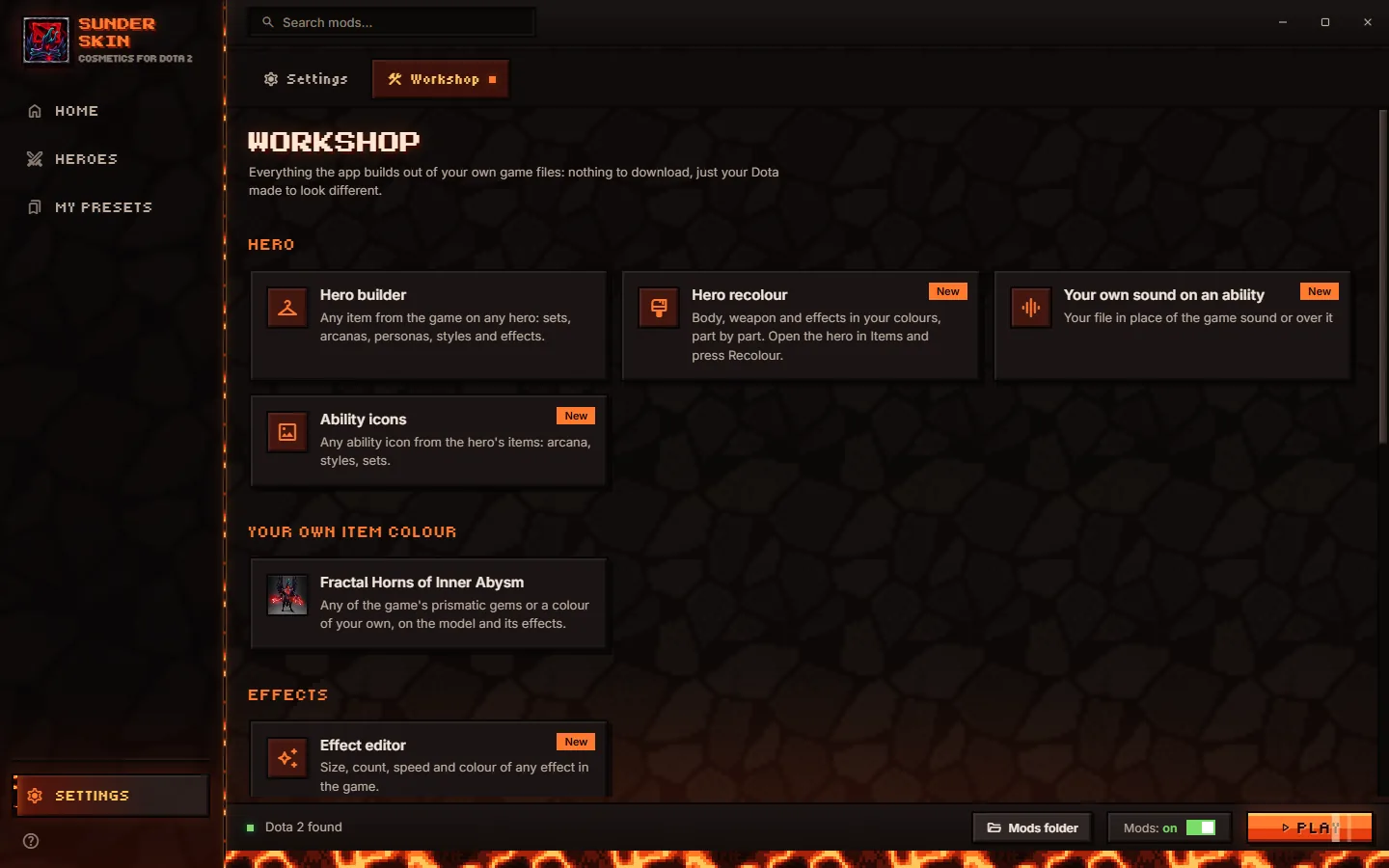
Weather, terrain, HUD, music, couriers, wards, towers, creeps and more, from any event.
A hero or an item in your own colours, any effect bigger, slower or a new colour.
Save a whole setup, switch between setups, share one as a .d2mm file.
Turn everything off for a plain game and back on later. Nothing is deleted.
It checks its own work and builds again what the update changed.
What Sunder Skin does, and what it never does.
The skins go into a single file in Dota's language folder, which the game reads first. That is the whole install.
No item table is replaced, no signature file is touched, nothing is injected into the game.
The skins are files on your computer. Other players see their own game.
Remove takes out exactly what was put in and puts back what was there before.
Lite carries everything it needs, asks for no login and leaves nothing running.
Arcana levels and kill effects live in the game's item table, which files cannot change. Lite says which items that affects.
Close Dota 2, unzip the download, open Sunder-Skin-Lite.exe and press Install Skins. It checks Dota 2, builds the skins from your game, writes one file and checks the result, and the card turns green.
Open Lite again and press Remove Skins. Your other mods are kept.
Open Lite and press Install Skins again: it builds them for the new Dota.
64-bit Windows 10 or 11 and Dota 2 from Steam. Nothing else to install.
Short and straight.
The app is not code-signed, so Windows shows «Windows protected your PC». Press More info, then Run anyway. The source code is here to check.
Nobody can promise that for any mod. Sunder Skin edits no Valve file and injects nothing, but using mods is your own decision and your own risk.
Yes, completely. No price, no premium, no account.
No. The skins are files on your computer, so only your screen shows them.
Lite installs the ready collection in one click; it is for friends. Full is the whole app for building your own looks.
Nobody can promise that for any mod. Sunder Skin does not edit Valve's files or inject anything into the game; the decision and the risk are yours.
The app is not code-signed. Press More info, then Run anyway. The source code comes with the download.
Open the app and install again: it builds the skins for the new Dota.
Lite: Remove Skins. Full: the mods switch, or remove the mods in My mods. Your game goes back to how it was.
Something broke, looks wrong, or you want something added? Tell us here. Only what you write is kept.
Free, for 64-bit Windows 10 and 11. Close Dota 2 before installing.
GPL-3.0. Based on Dota 2 Mod Manager by TheFleece.